Account Setup
Already have an account? Jump to Quick Start to configure your tools.
1. Get Your API Key
1. Register
Visit fishxcode.com and click Register:
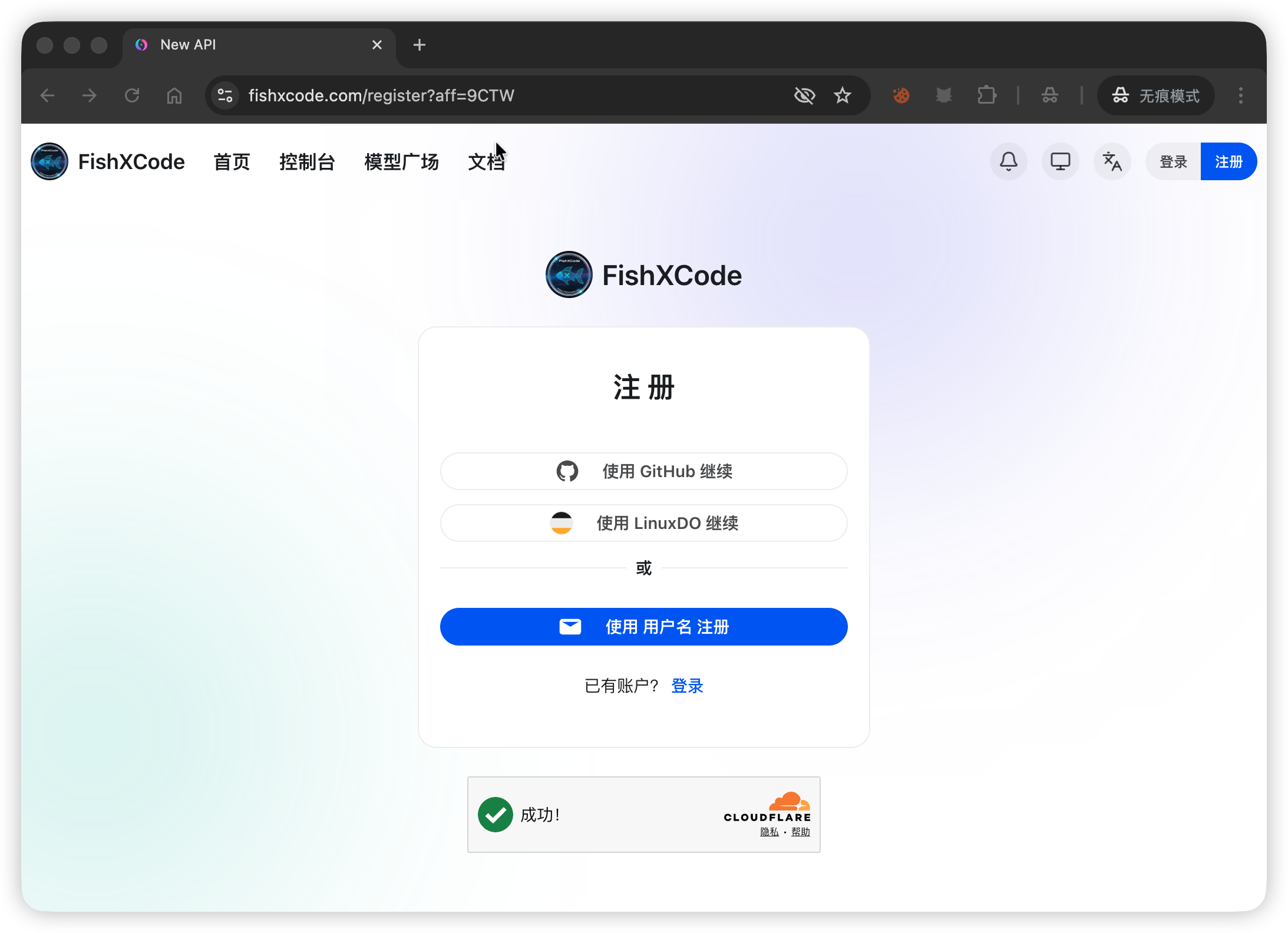
Choose a registration method (GitHub, LinuxDO, or username):
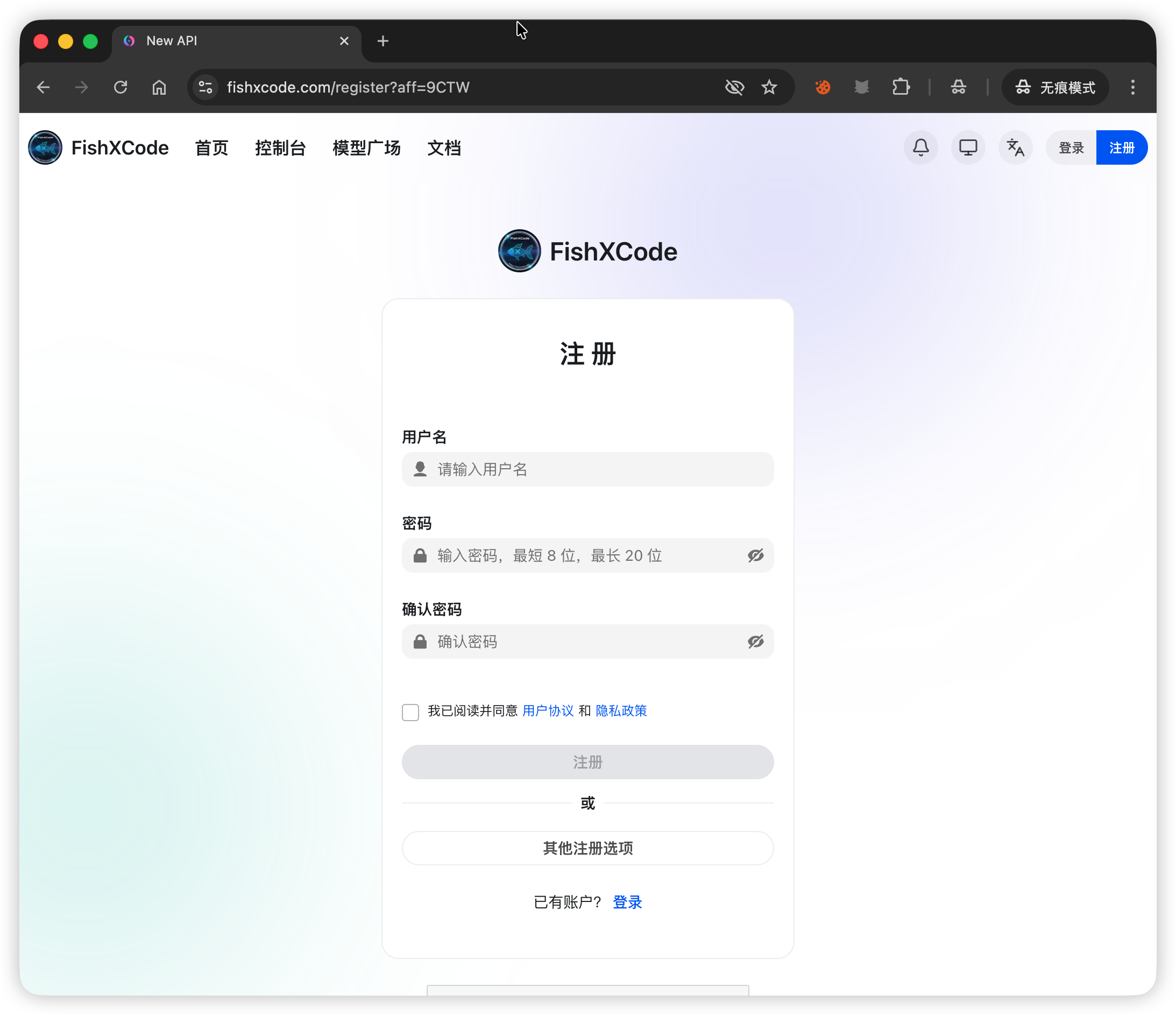
Fill in your username, password, and confirm password to complete registration:
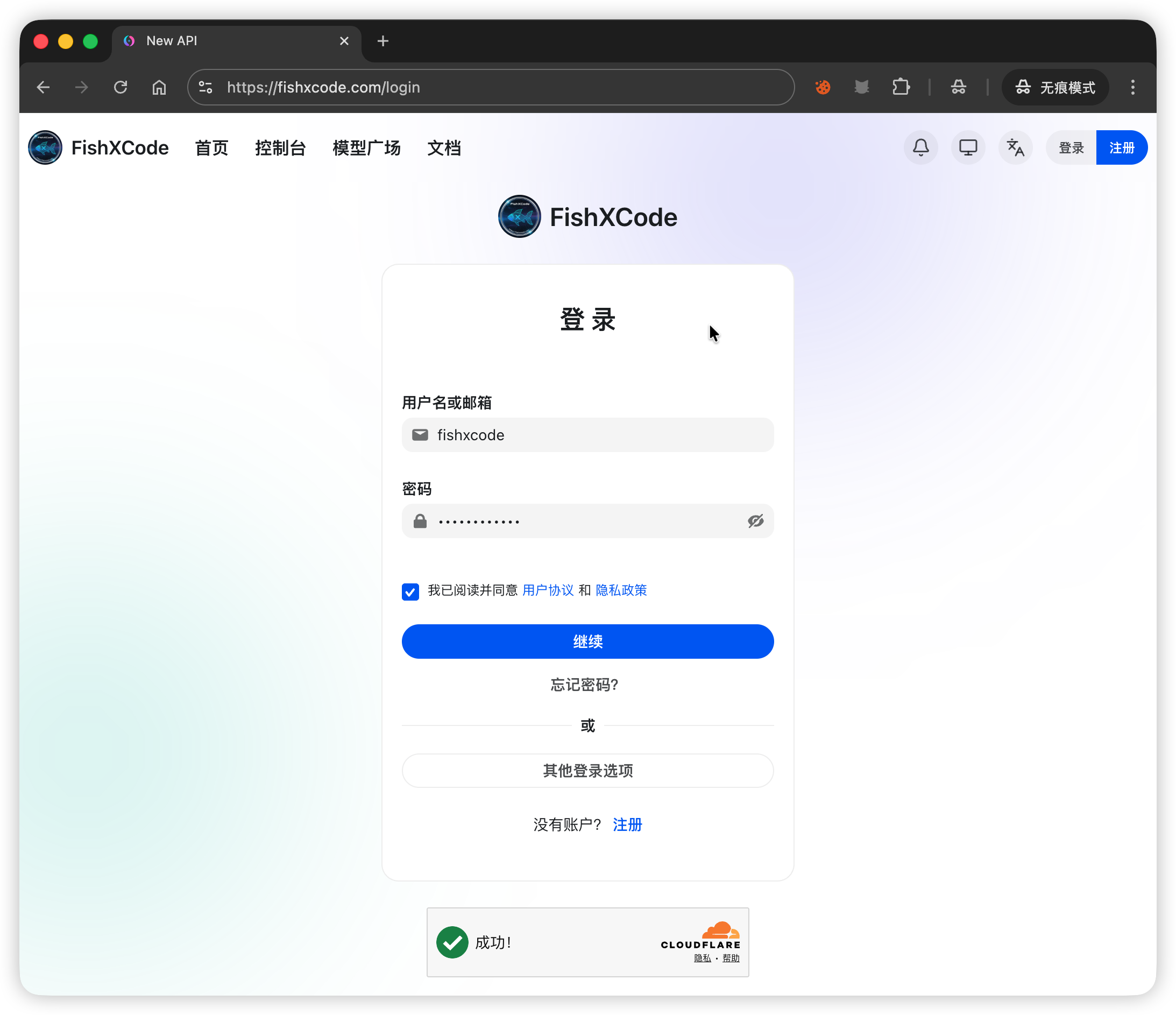
2. Log In
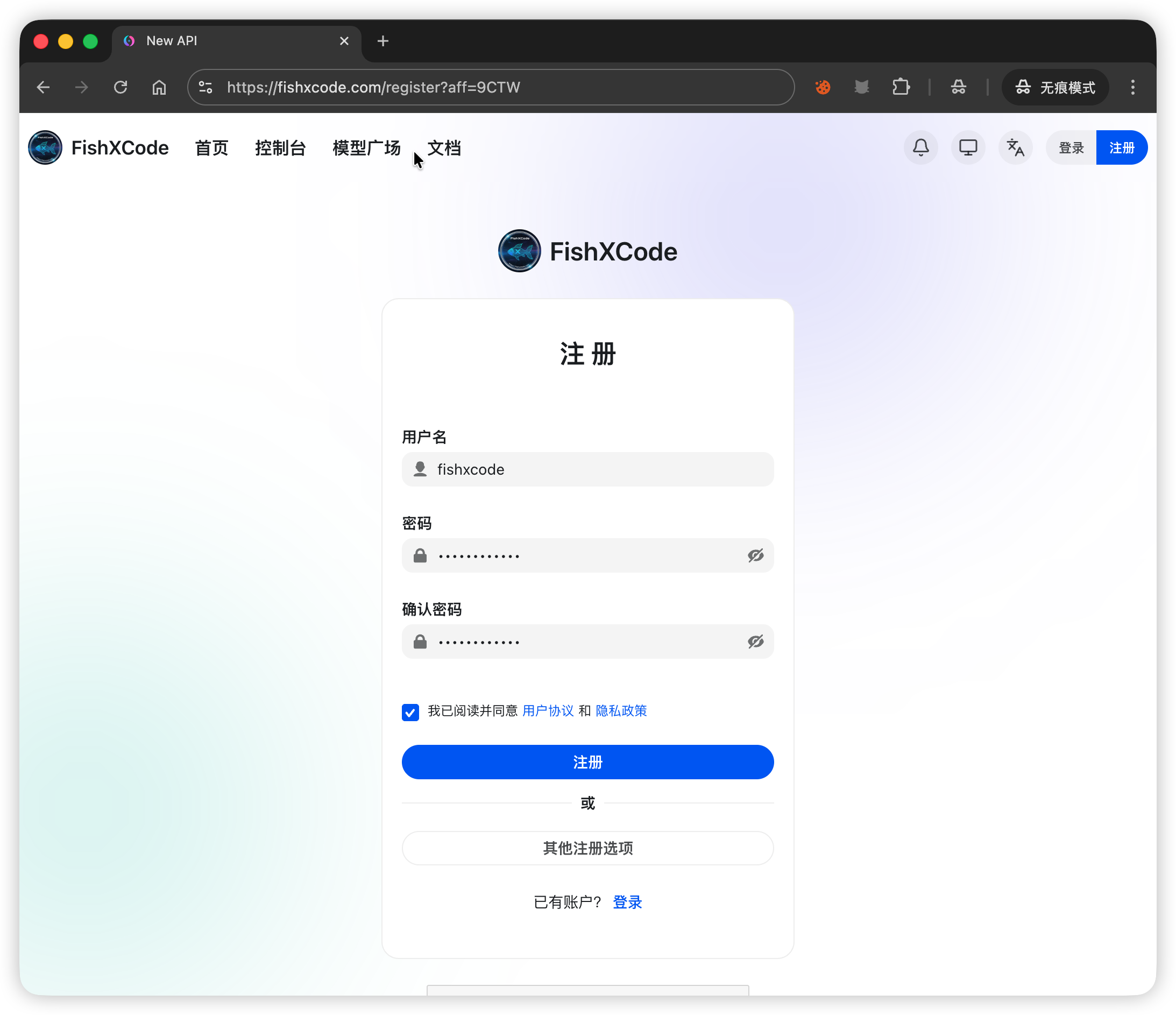
After registering, log in with your username and password:
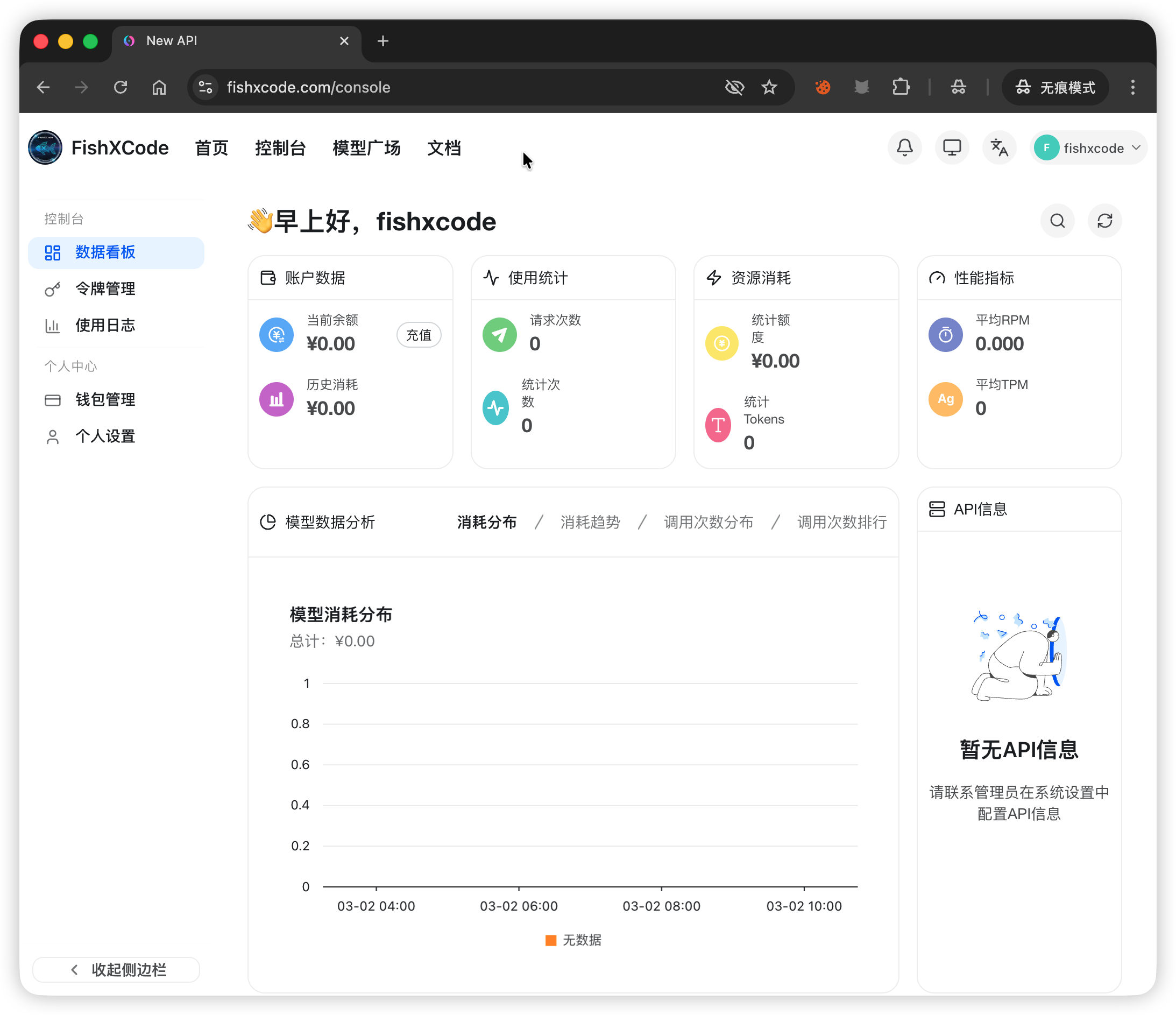
After logging in, you will be taken to the console:
3. Create a Token
Go to Console → Token Management → Add Token and fill in the form:
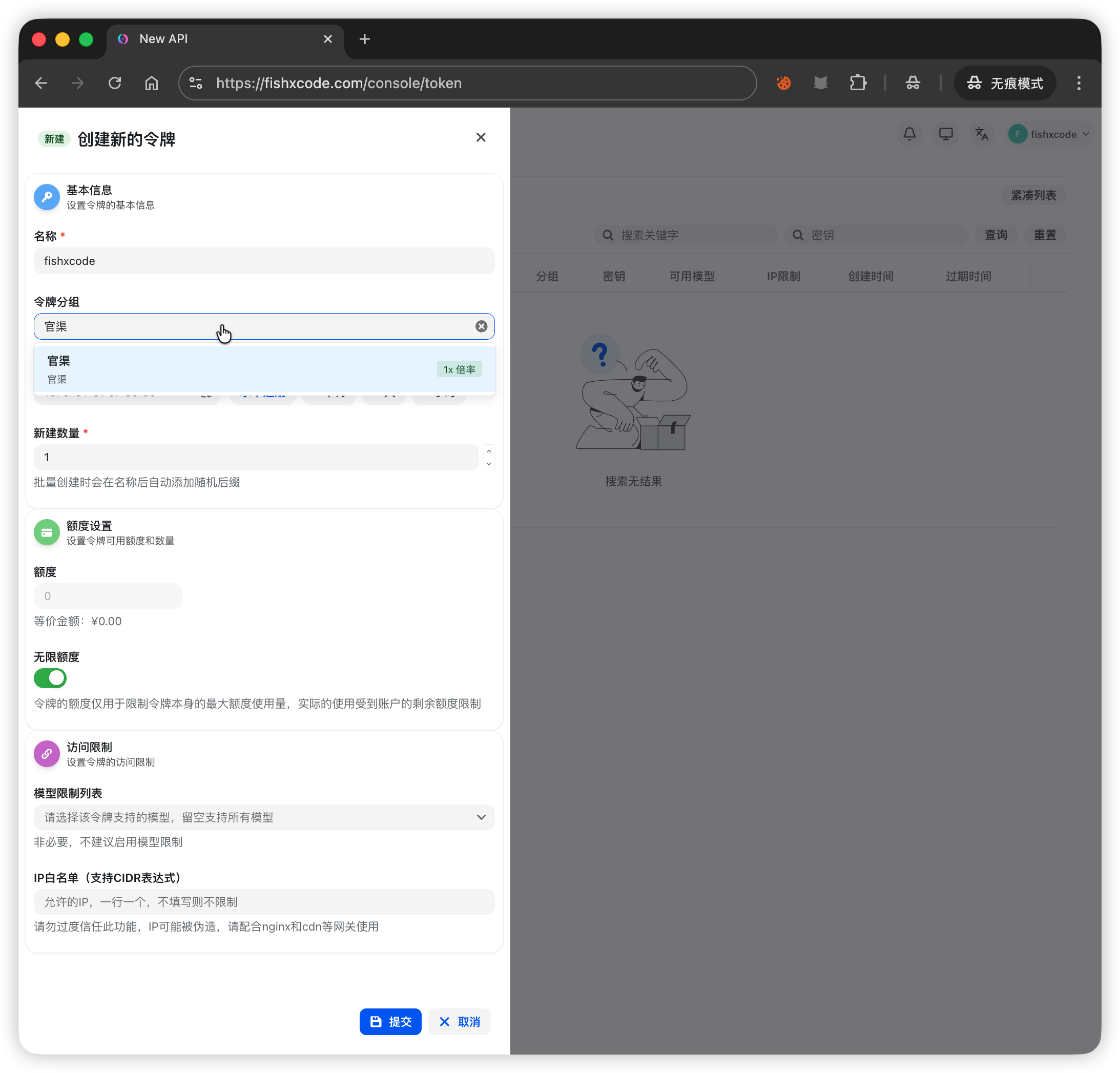
- For Token Group, it is recommended to select Official Channel. This group includes models such as
claude-opus-4-5-20251101,claude-haiku-4-5-20251001,claude-opus-4-6,claude-sonnet-4-5-20250929, andclaude-sonnet-4-6. The model is selected automatically based on task complexity — no manual switching needed.
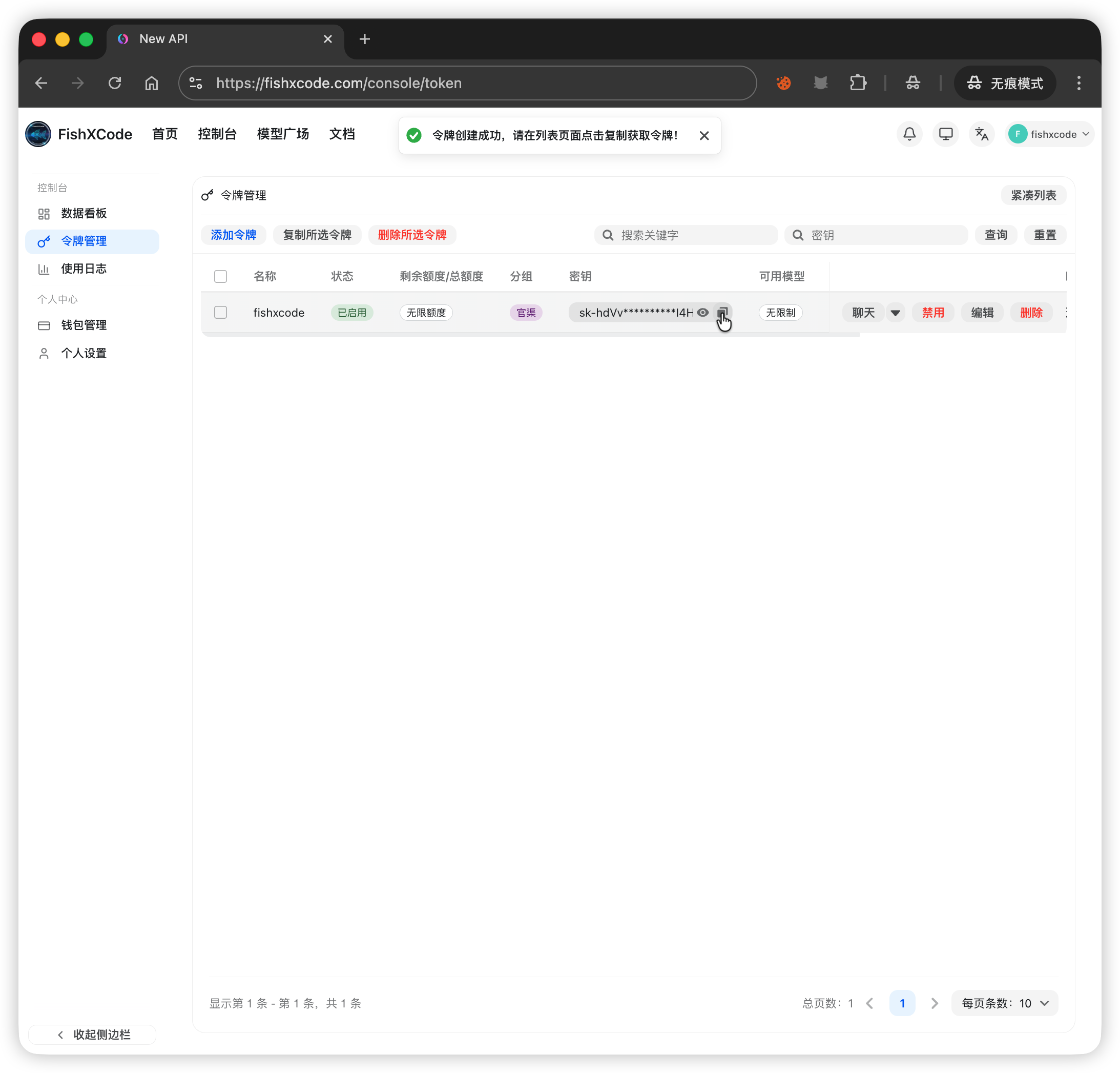
After creation, click the Copy button in the token list to get your API Key (format: sk-xxx):
4. Top Up
Go to Console → Wallet Management. Alipay, WeChat Pay, and redeem codes are supported:
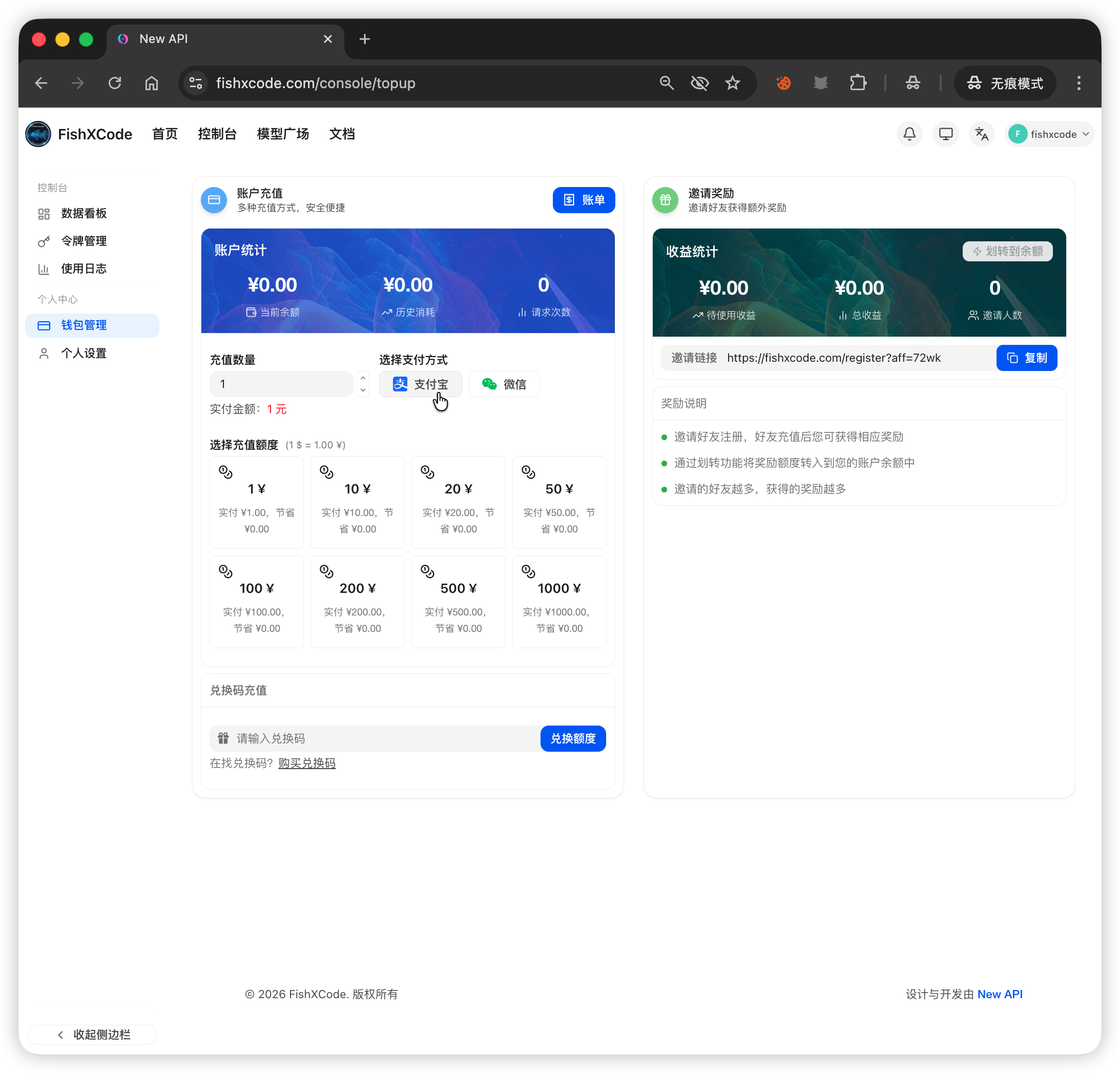
| Method | Steps |
|---|---|
| Alipay | Enter/select amount → Alipay |
| WeChat Pay | Enter/select amount → WeChat |
| Redeem Code | Enter code in the redeem section → Click Redeem |
Rate Multiplier
A group labeled 0.5x in the group name means a 0.5x consumption multiplier — the lower the value, the more tokens you get. For example, 0.5x means ¥1 gives you 10M official tokens (vs. 5M at the official price).